Fantastic app!
“Just what I was looking for. For 4x6 prints, I needed an app that properly displays my iPhone photographs within a 4x6 template. This app to the rescue! Reasonably priced, too…” Read full review →

Frame your images for Instagram (square, 4:5) and beyond without losing quality. Fast, minimal, and privacy‑friendly.


Choose aspect ratios like square, 4:5, 3:4, 9:16, and more. Borders are added as pixels, so the original image stays sharp.
Keep full resolution and preserve bright HDR highlights when adding borders to supported photos and videos on iOS and macOS. Choose SDR whenever you prefer.
Ask Siri to frame and share your latest photo, or use Shortcuts, automations, and the Action Button with your last border style.
Match borders to your image or brand with a native color picker.
Fill the border around your photo or video with a soft blur of the image instead of a solid color — a cinematic look with no crop and full quality.
Pick your export quality, choose a light or dark app theme, and adjust your watermark's opacity — tune every export to taste.
Share up to 10 images or videos at once with Premium, including a one-time lifetime license option.
No account needed. Your edits stay on device.


Simple Border adds black space around your photo instead of covering or cropping it. Choose square, 4:5, 9:16, or another aspect ratio and set the border color to black. Increase the frame size for a border on every side, or set the frame size to 0 when you only want black bars above and below a landscape photo or at the sides of a portrait photo.
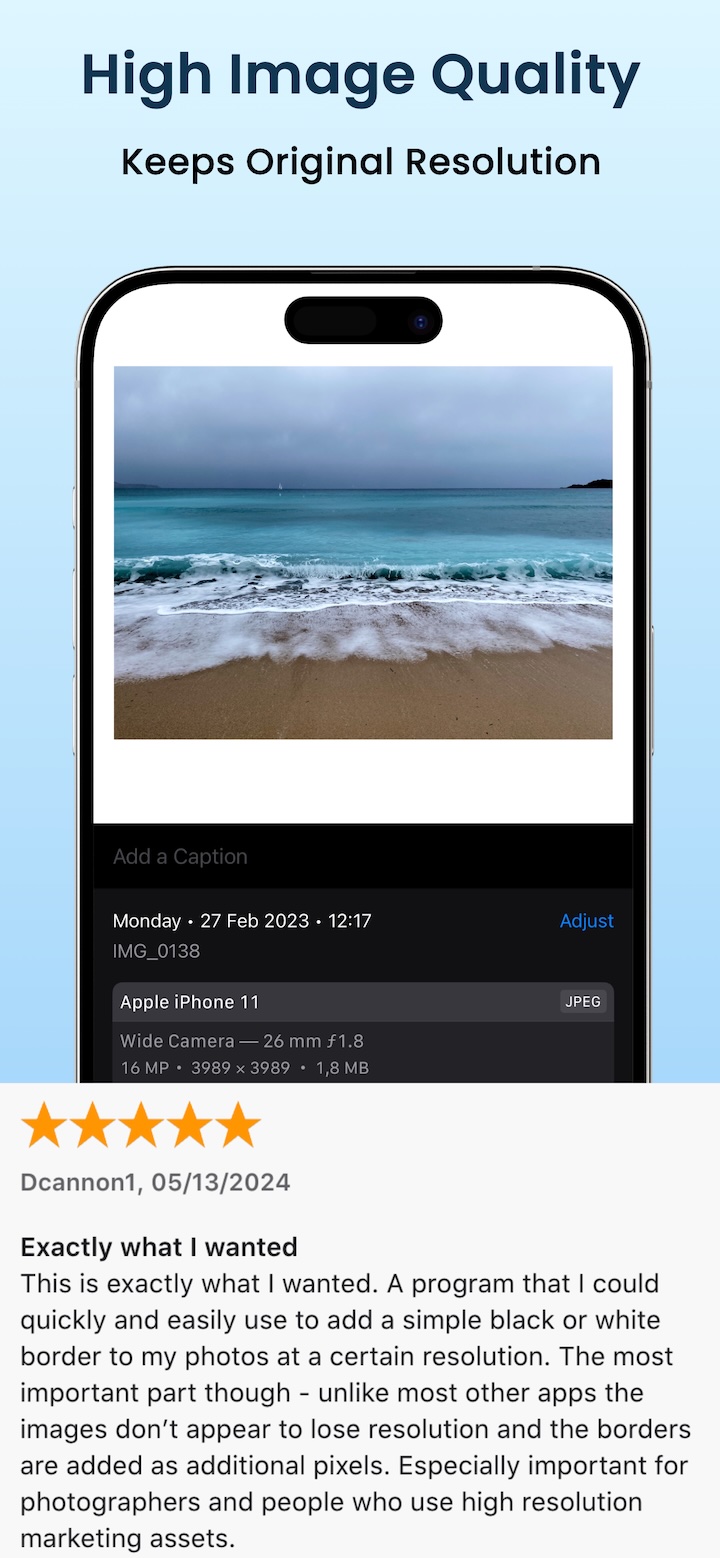
Borders are added as pixels, so the complete composition and original resolution stay intact. Prefer another look? Use one of the suggested colors from your photo or replace the solid border with a soft blur.
See how to add a black border step by step →

Compare square, 4:5, 3:4, and 9:16 formats, then export a clean post with borders or soft blur.
A quick no-crop workflow for adding clean white, black, or custom borders while keeping full image resolution.
Make mixed photo sizes fit one square or 4:5 carousel layout without cropping important parts of each image.
Create a clean black frame without cropping, keep the original resolution, and export for any social format.
4.7 average · 480+ ratings
“Just what I was looking for. For 4x6 prints, I needed an app that properly displays my iPhone photographs within a 4x6 template. This app to the rescue! Reasonably priced, too…” Read full review →
“A program that I could quickly and easily use to add a simple black or white border to my photos at a certain resolution. Unlike most other apps the images don’t appear to lose resolution and the borders are added as additional pixels. Especially important for photographers and high-resolution marketing assets.”
“If you want simple clean borders on your photos or video without a crop all in an effective workflow, this is it. I paid for the lifetime license — totally worth it.”
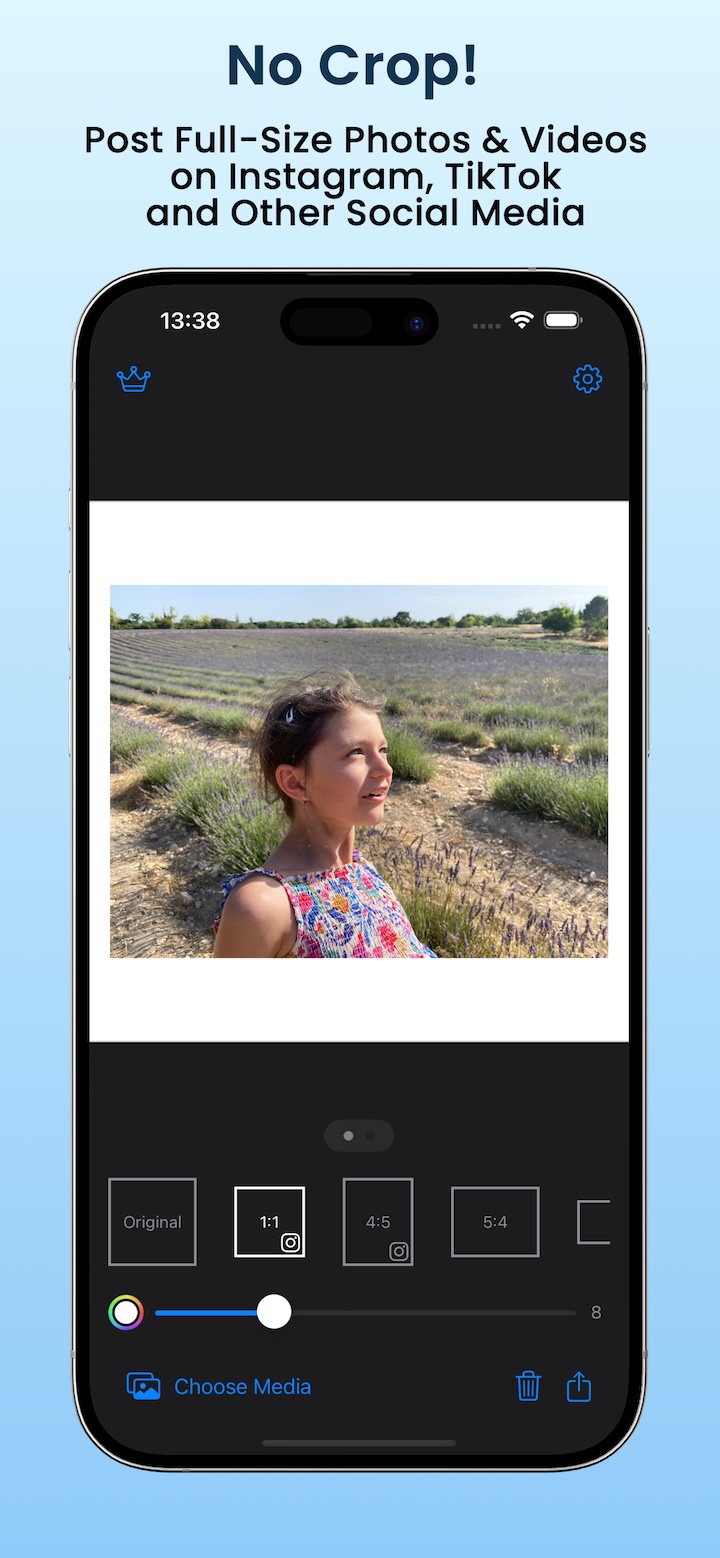
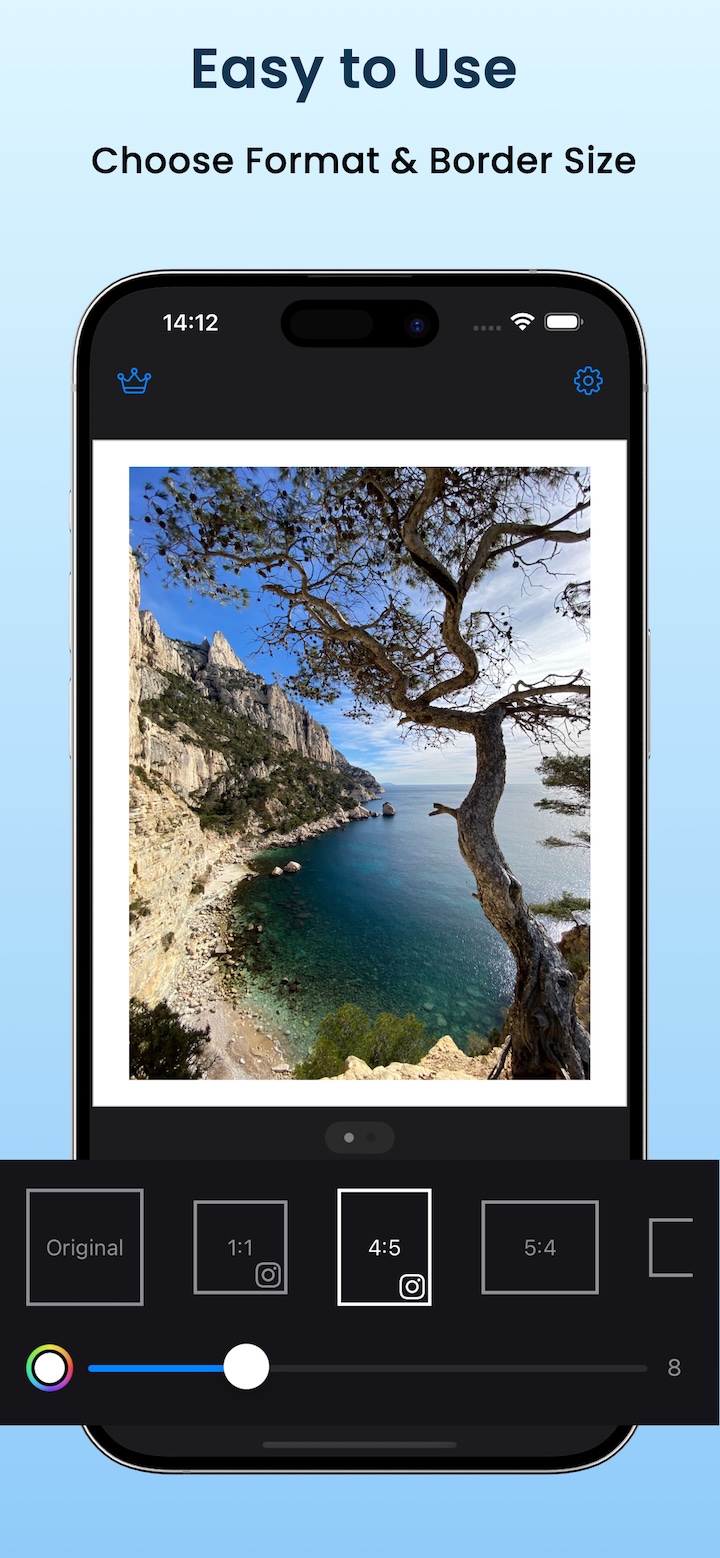
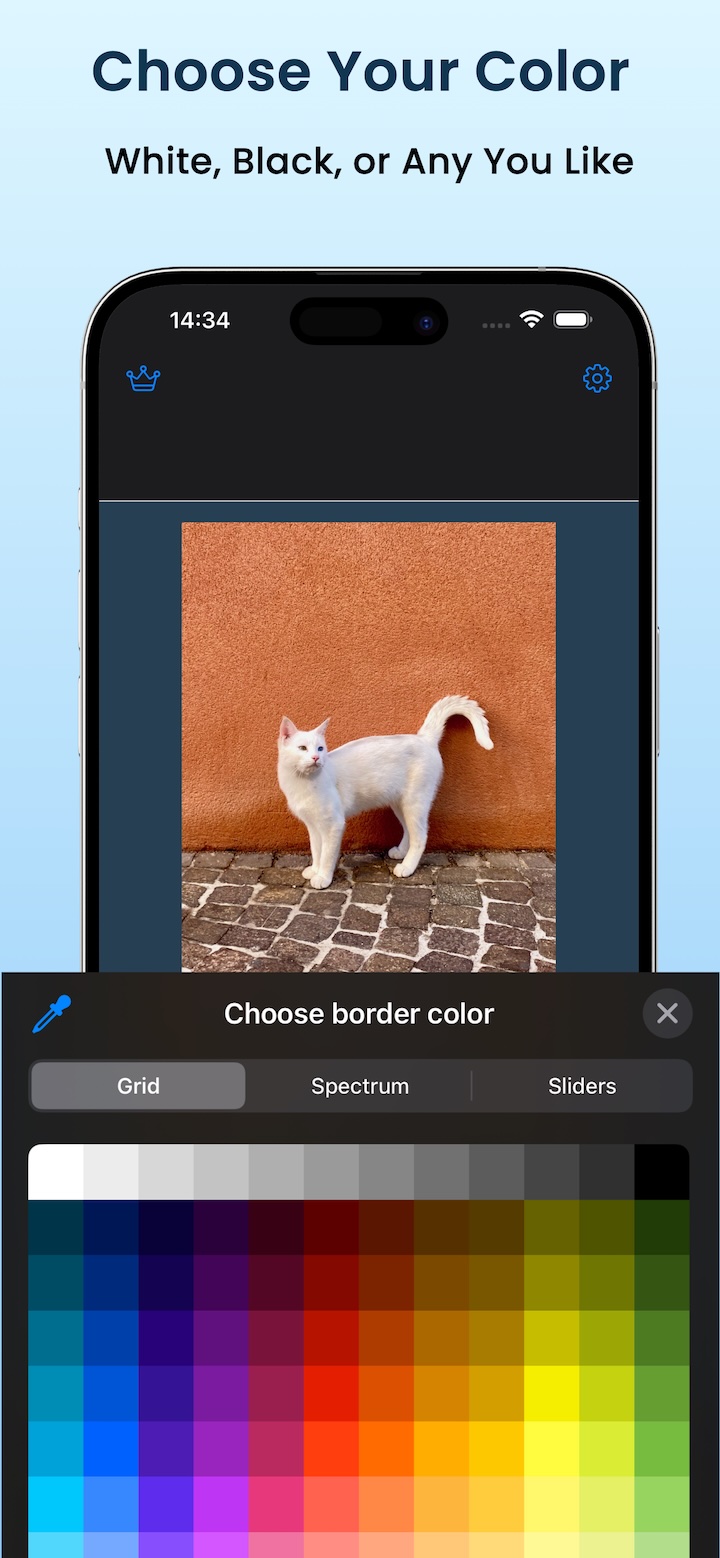
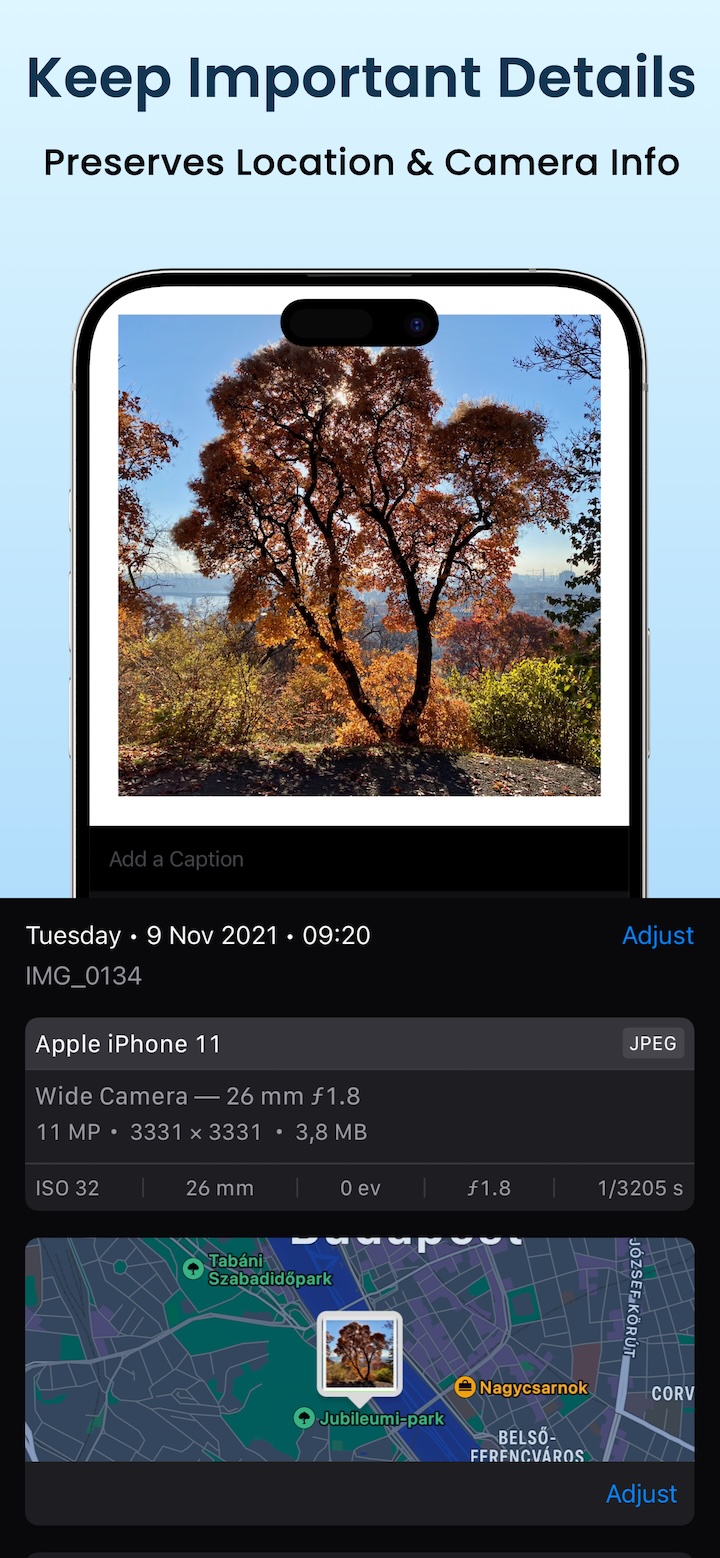
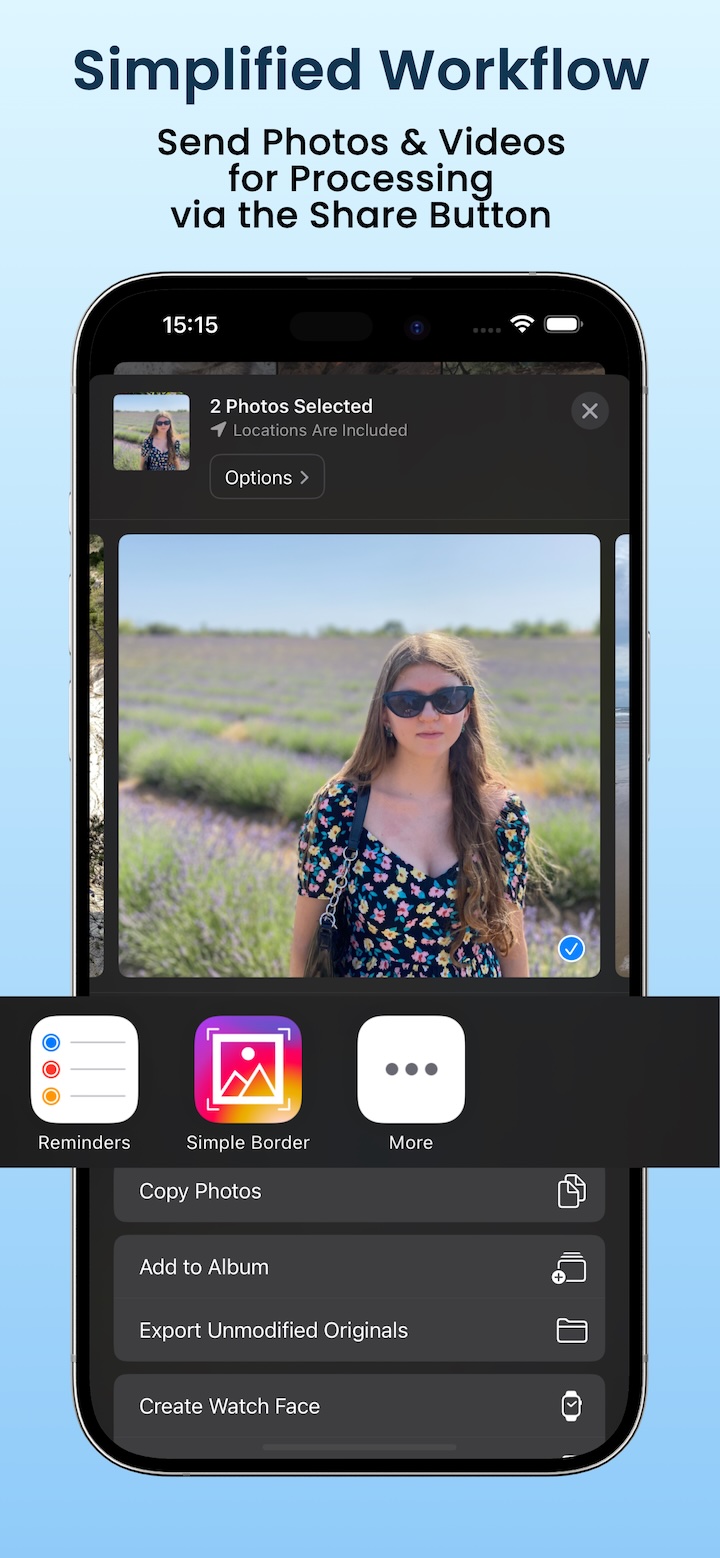
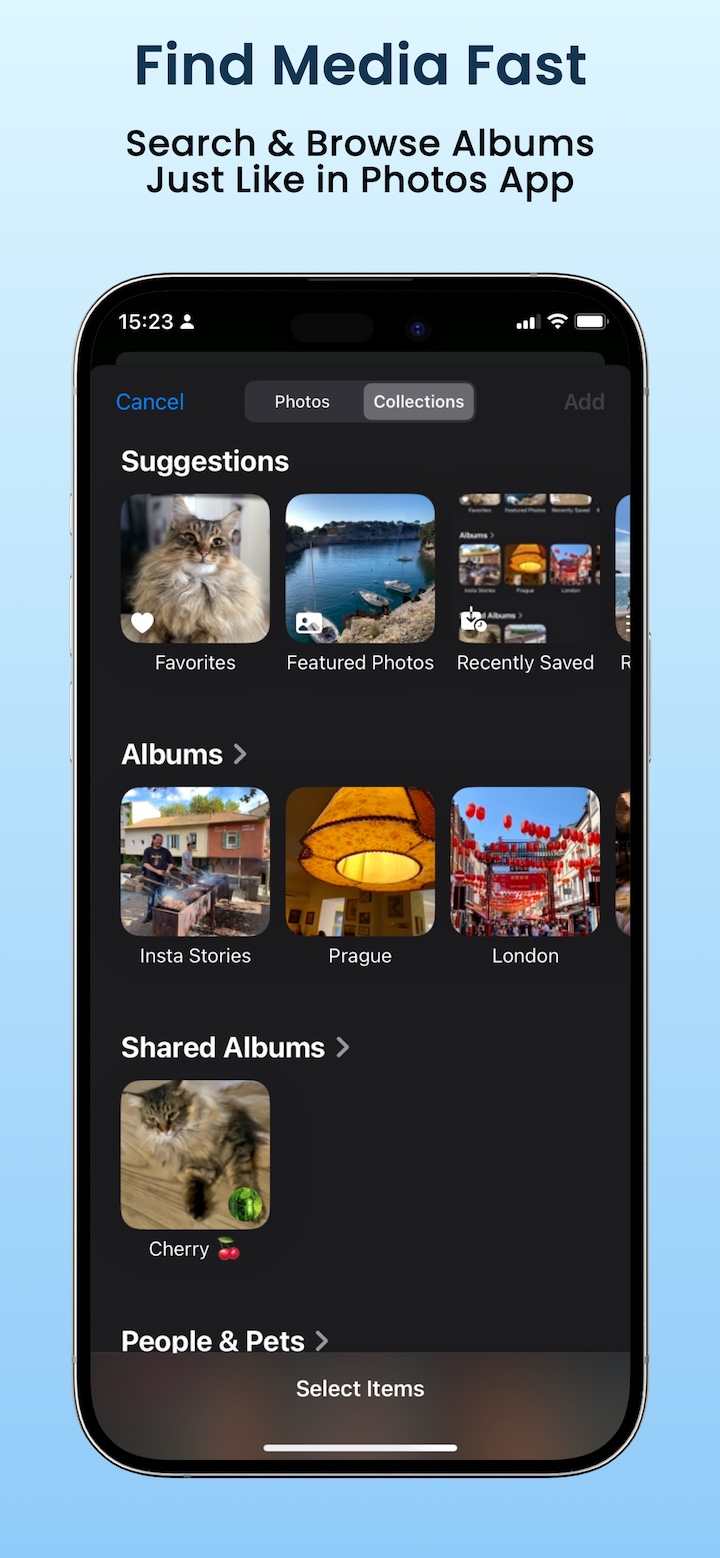
Choose a photo in Simple Border, select an aspect ratio, and set the border color to black. Increase the frame size for a border on every side, or set the frame size to 0 when you only want black bars in the unused space.
Install Simple Border, choose a photo, select an aspect ratio, adjust the border size and color, and export the full-size image without cropping.
On iPhone or iPad, say: Frame my latest photo with Simple Border.
The app applies your last
border style to your latest photo and opens the share sheet, ready for Instagram or another app.
Yes, Simple Border supports videos. You can add borders to portrait or landscape videos and export them ready for Instagram Reels or TikTok.
Yes. On iOS and macOS, Simple Border preserves HDR highlights in supported photos and videos
when you add borders. To export in SDR, tap the HDR pill in the editor or enable
Always save as SDR
in Settings. HDR appearance depends on the display and the app used to
view the export.
No, Simple Border preserves the original resolution for both photos and videos.
The app is free to download with optional premium features available via subscription or lifetime purchase.
Borders allow you to show your full image or video composition without cutting anything off, making posts cleaner and more consistent on Instagram or TikTok.